
Don't leave them out in the cold 🥶
Posted Date: 12/15/25 (02:15 PM)
Good afternoon everyone -
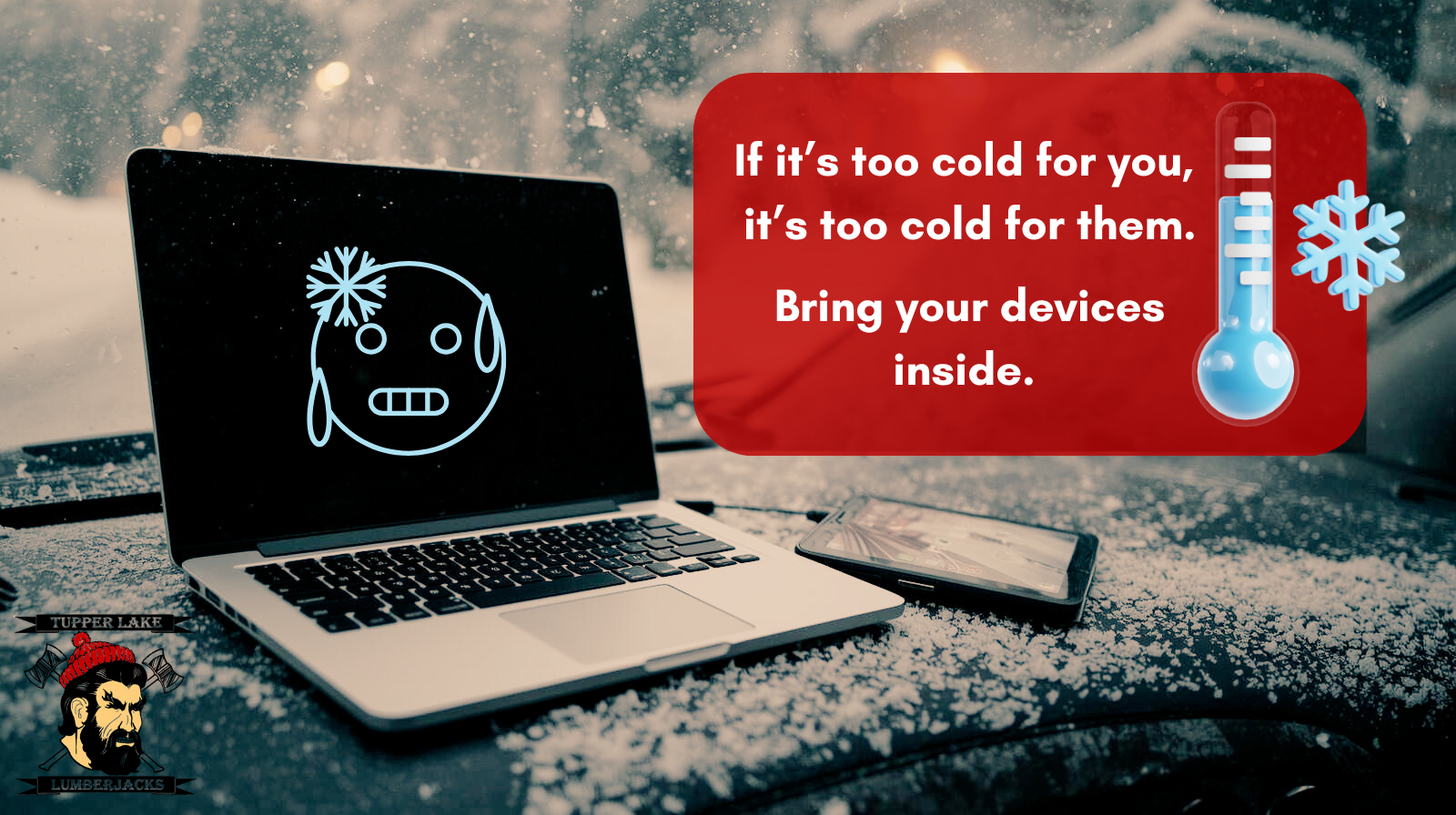
With the colder temperatures settling in, we want to remind everyone about the importance of protecting our school Chromebooks and other devices from the extreme cold. Just like it's too cold for us to be outside for extended periods, it's also too cold for our valuable technology!
Why Bring Devices Inside When It's Below Zero?
- Battery Damage: Extreme cold can significantly reduce battery life and even cause permanent damage to lithium-ion batteries found in most devices.
- Screen Issues: LCD screens can become sluggish or even crack in freezing temperatures.
- Condensation: When a cold device is brought into a warm environment, condensation can form inside, potentially causing short circuits and internal damage.
If a device has been left in the cold (e.g., in a car overnight or during a very cold commute), never turn it on immediately.
- Let it warm up slowly: Bring the device indoors and allow it to reach room temperature gradually (at least an hour or two, depending on how cold it was). This allows any condensation to evaporate safely.
- Avoid sudden temperature changes: Do not attempt to warm it up rapidly with a heater or other heat source, as this can also cause damage.
Sincerely,
Tupper Lake CSD Technology Department